In this article, you will discover the best Ubuntu apps for beginners, covering everything from productivity tools to entertainment options and AI-powered utilities.
Ubuntu is one of the most popular Linux distributions for new users, offering an easy-to-use interface and a smooth transition from other operating systems.
If you’re new to Ubuntu, you might be overwhelmed by the wide range of applications available. Whether you’re using Ubuntu for personal or professional tasks, there are plenty of apps to make your experience smoother and more productive.
Install Note: You can install these apps via the Ubuntu Software Center, or open a terminal and run:
sudo apt install [app-name]
Table of Contents
- 1 1. Firefox – The Browser for Everyone
- 2 2. LibreOffice – Free Office Suite
- 3 3. GIMP – The Free Photoshop Alternative
- 4 4. VLC Media Player – Watch Everything
- 5 5. Thunderbird – Email Made Easy
- 6 6. Shotcut – Video Editing Made Simple
- 7 7. Slack – Team Communication Made Easy
- 8 8. KeePassXC – Password Management Simplified
- 9 9. Wine – Run Windows Apps on Ubuntu
- 10 10. Ubuntu Software Center – Apps at Your Fingertips
- 11 11. GNOME Tweaks – Customize Your Ubuntu Experience
- 12 Synaptic Package Manager – Advanced Software Management
- 13 13. Stacer – System Optimization and Monitoring
- 14 14. Pika Backup – Easy Backup for Your Files
- 15 15. Simple Screen Recorder – Capture Your Screen
- 16 16. Ollama – Run AI Models Locally
- 17 17. PyGPT – Desktop AI Assistant
1. Firefox – The Browser for Everyone
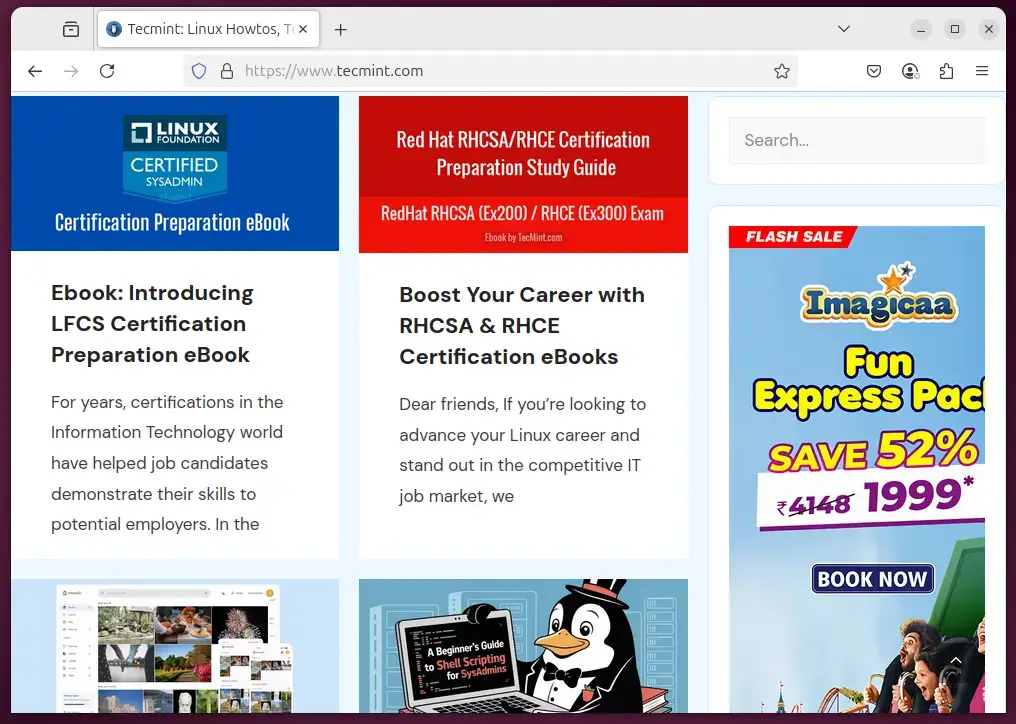
First things first, every computer needs a reliable web browser, and Firefox is the default browser that comes with Ubuntu due to its fast, secure, and open-source nature.
Firefox has a straightforward interface, making it easy for beginners to use while offering powerful features like enhanced privacy settings, an integrated password manager, and a huge library of extensions to customize your browsing experience.
If you’re looking for an alternative to Firefox, Google Chrome is a solid choice, as it offers seamless integration with your Google account, allowing you to sync bookmarks, history, extensions, and passwords across devices.
2. LibreOffice – Free Office Suite
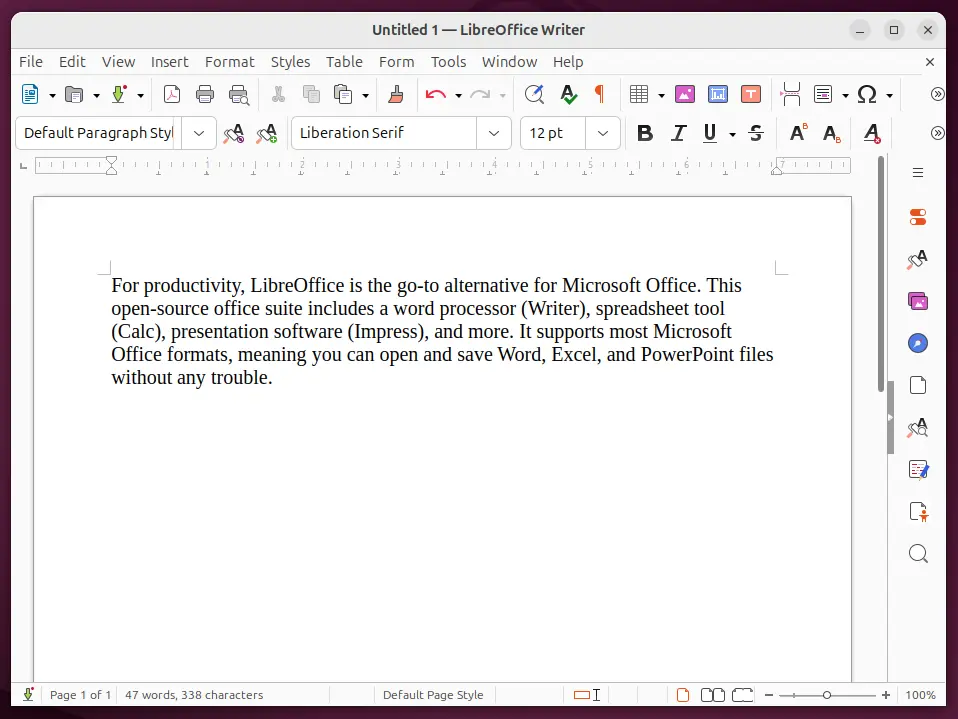
For productivity, LibreOffice is the go-to alternative for Microsoft Office, as it offers a word processor (Writer), spreadsheet tool (Calc), presentation software (Impress), and more.
It supports most Microsoft Office formats, meaning you can open and save Word, Excel, and PowerPoint files without any trouble.
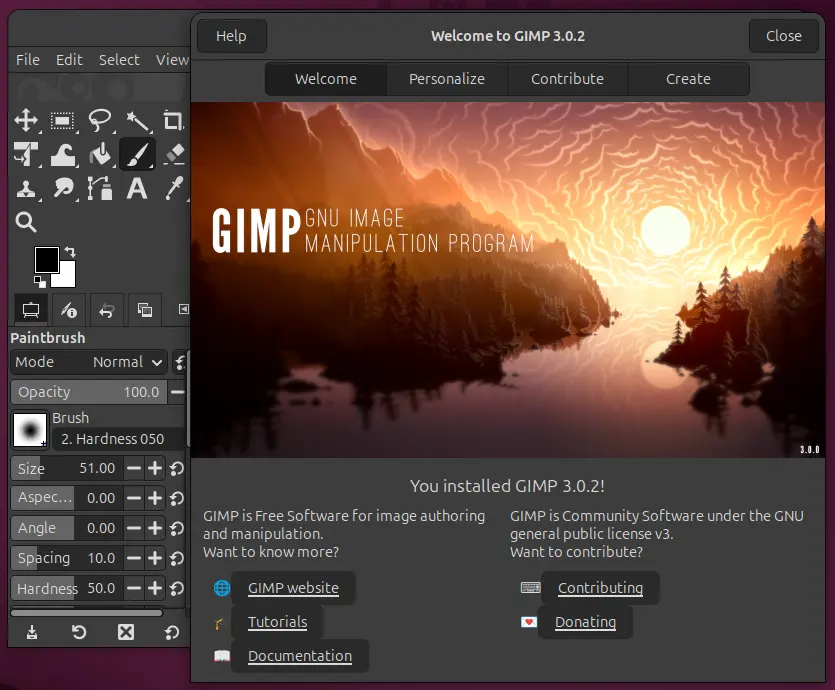
3. GIMP – The Free Photoshop Alternative
If you’re into graphic design or just need a tool to edit photos, GIMP (GNU Image Manipulation Program) is a fantastic option, as it is a powerful, open-source image editor that rivals Adobe Photoshop in terms of features.
While the interface might be a bit overwhelming at first, it’s worth taking the time to learn.
4. VLC Media Player – Watch Everything
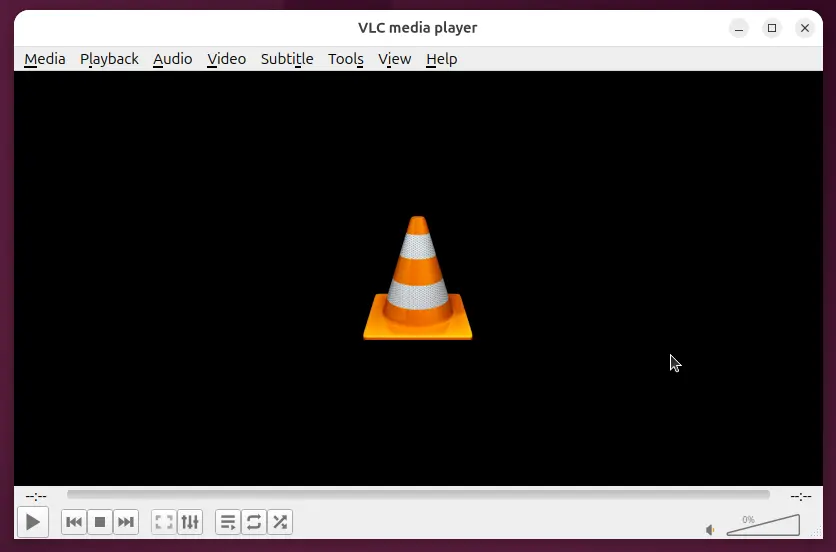
No Linux system is complete without a media player, and VLC Media Player is the best option for beginners, as it supports almost every audio and video format, making it the ultimate tool for watching movies, listening to music, or streaming content.
5. Thunderbird – Email Made Easy
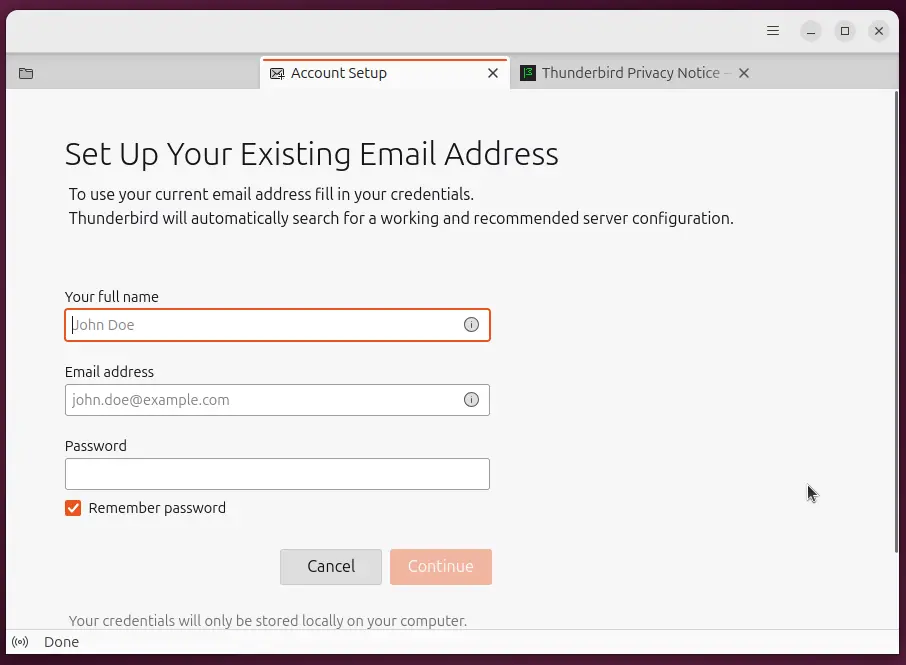
Managing email is an essential part of any workflow, and Thunderbird is a great email client for beginners who need a simple yet effective way to organize their emails.
It supports multiple email accounts, powerful filtering options, and robust search functions, making it easy to manage your inbox.
6. Shotcut – Video Editing Made Simple
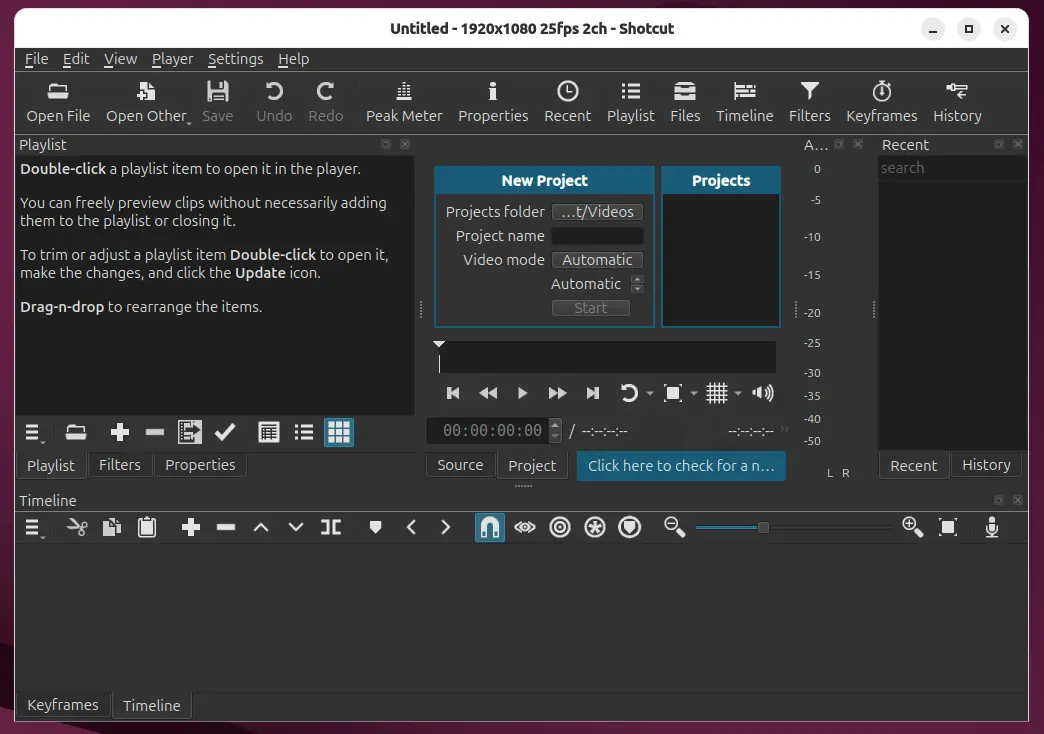
If you want to start editing videos on Ubuntu, Shotcut is an excellent choice, as it is a free, open-source video editor that is beginner-friendly yet capable of handling more advanced projects.
It supports a wide range of video formats and provides a lot of features for creating polished video content.
The software receives regular updates with the latest version 25.12 released in December 2025, bringing improved 10-bit and 12-bit video support along with enhanced linear color processing.
7. Slack – Team Communication Made Easy
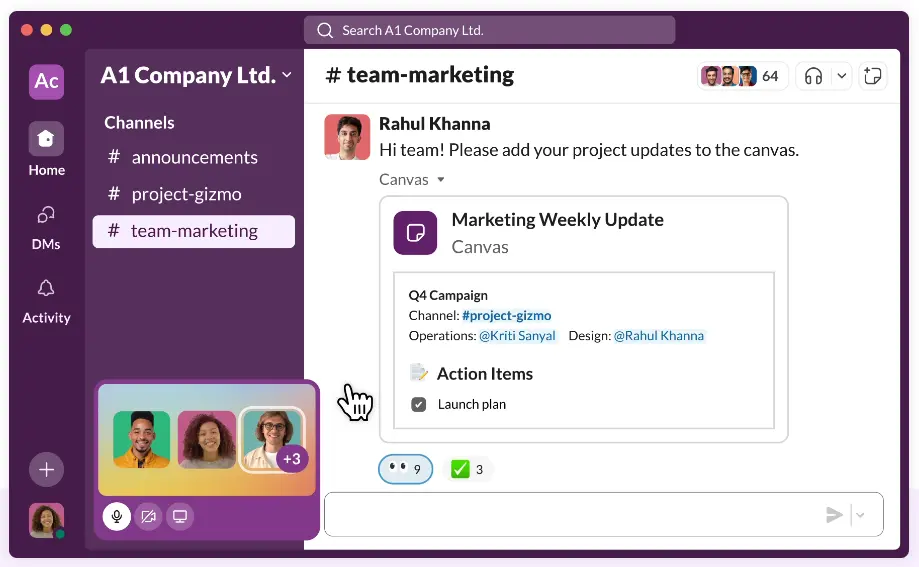
For those looking for a way to stay connected with teams, Slack is the ultimate communication tool, as it allows users to create channels for different topics, message coworkers, share files, and even integrate with other tools you might be using.
It’s an essential tool for modern workplaces, and the good news is that it’s available for Ubuntu.
If you are looking for a secure, fast messaging app that works equally well for personal and professional chats, then Telegram is a great choice, as it has a native Linux client, supports group chats, encrypted messages, file sharing, and even bots for automation.
8. KeePassXC – Password Management Simplified
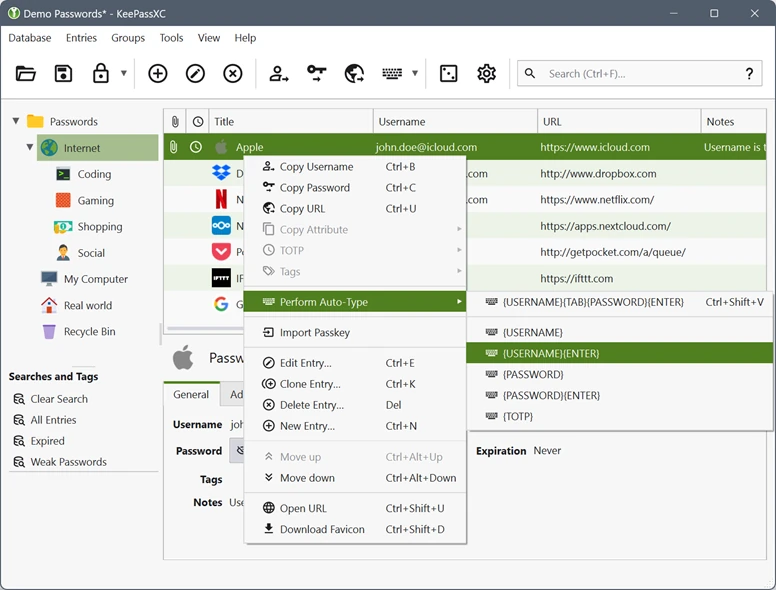
KeePassXC is a password manager that helps you keep all your login information secure. It allows you to store passwords and other sensitive data in an encrypted database, making it easy to access while keeping your information safe.
9. Wine – Run Windows Apps on Ubuntu
One of the unique features of Ubuntu is the ability to run Windows applications with the help of Wine, which is a compatibility layer that allows you to run Windows programs directly on Linux.
It’s a useful tool for beginners who may be transitioning from Windows and want to continue using their favorite programs.
Wine 11.1 was released on January 23, 2026, bringing improved Wayland support, better ARM64 compatibility, and enhanced high-DPI scaling for modern applications.
10. Ubuntu Software Center – Apps at Your Fingertips
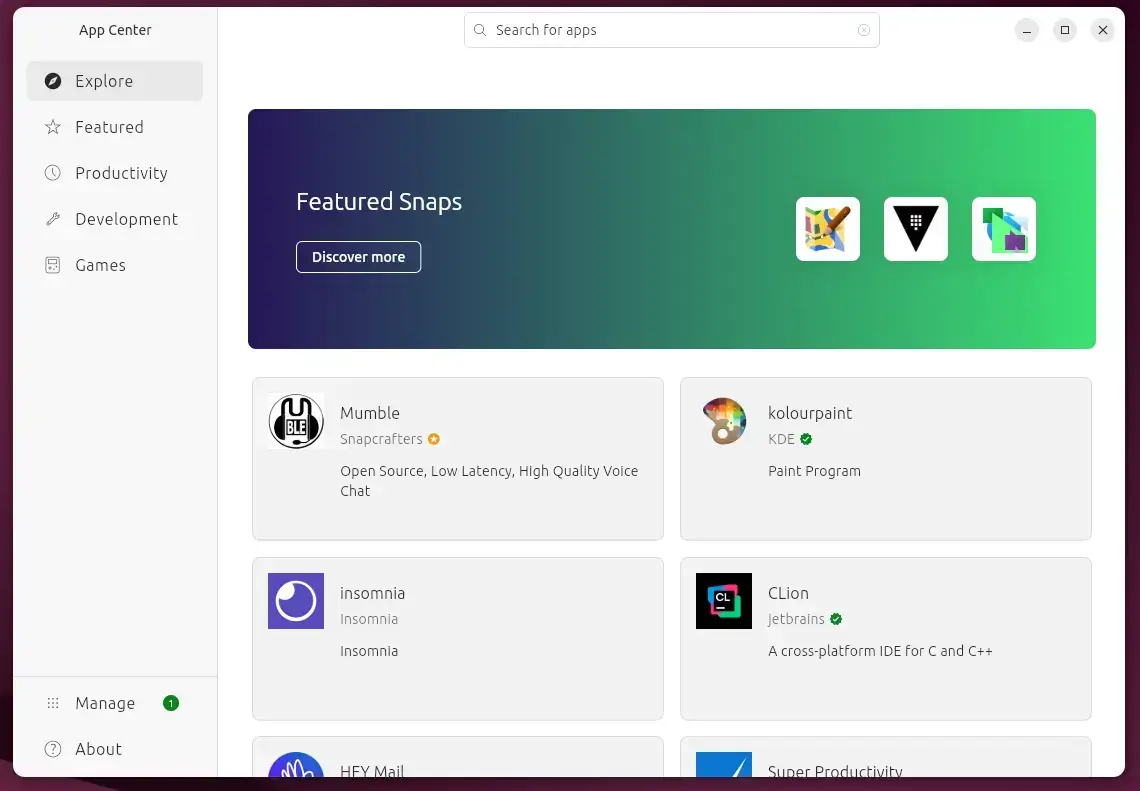
For those who are just starting out, the Ubuntu Software Center is your one-stop shop for installing and managing applications. It provides a user-friendly interface to search for, install, and update apps on your system.
11. GNOME Tweaks – Customize Your Ubuntu Experience
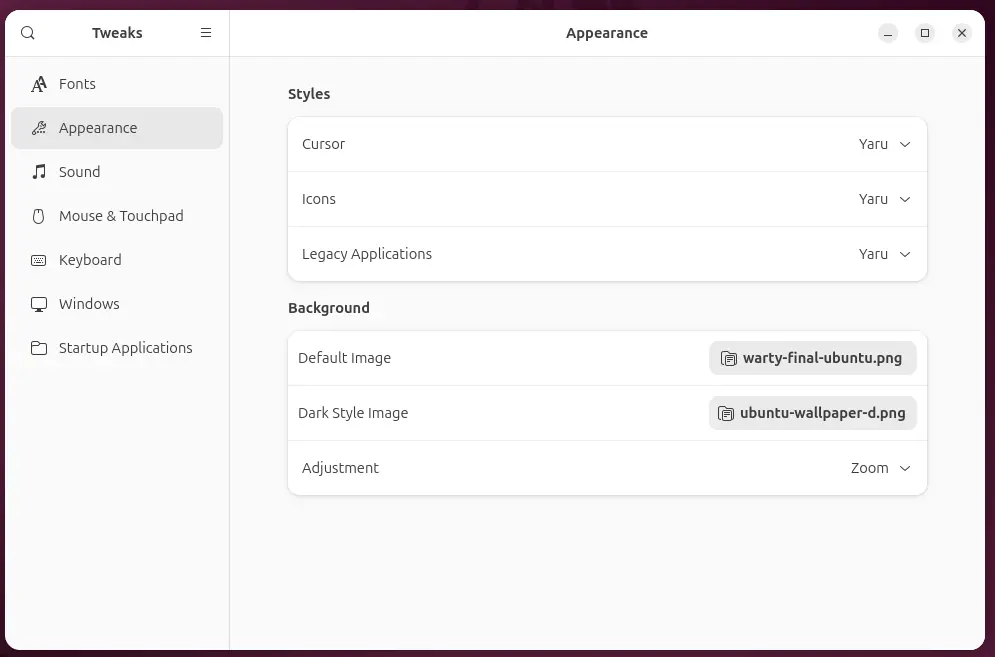
While Ubuntu already looks clean and modern, GNOME Tweaks lets you personalize the interface even further. From changing themes and fonts to enabling or disabling desktop icons and extensions, this tool is a must-have for anyone who wants to tweak the look and feel of their Ubuntu desktop.
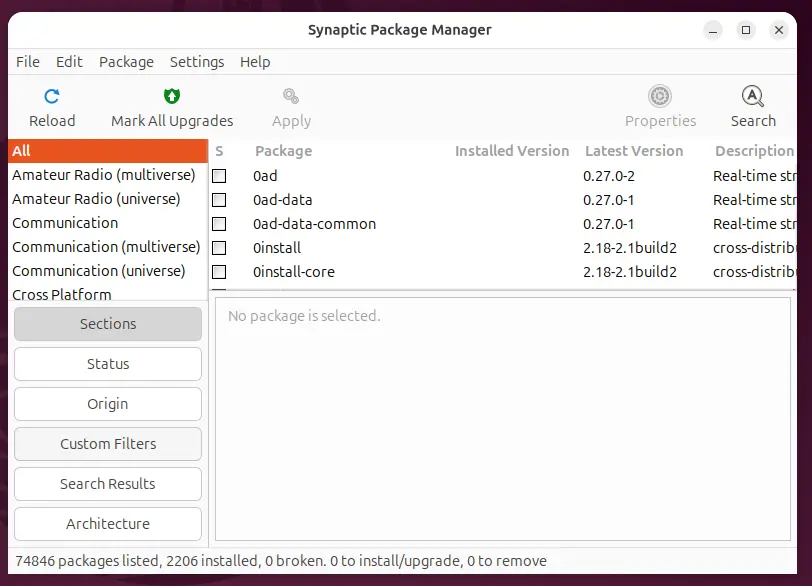
Synaptic Package Manager – Advanced Software Management
If you’re looking for a more detailed way to manage your software, Synaptic is a powerful graphical front-end for APT (Ubuntu’s package system). It allows you to install, update, and remove software with precise control, making it perfect for users who want a little more power without going fully command-line.
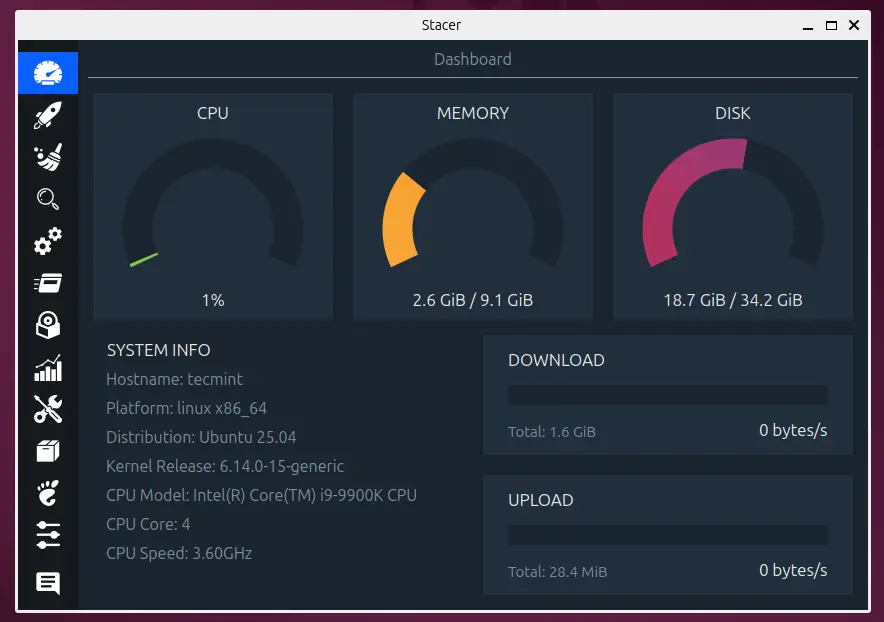
13. Stacer – System Optimization and Monitoring
Think of Stacer as your system’s all-in-one control panel, which is a beautiful, user-friendly tool that lets you manage startup applications, clear system junk, monitor resource usage, and even manage running services and processes.
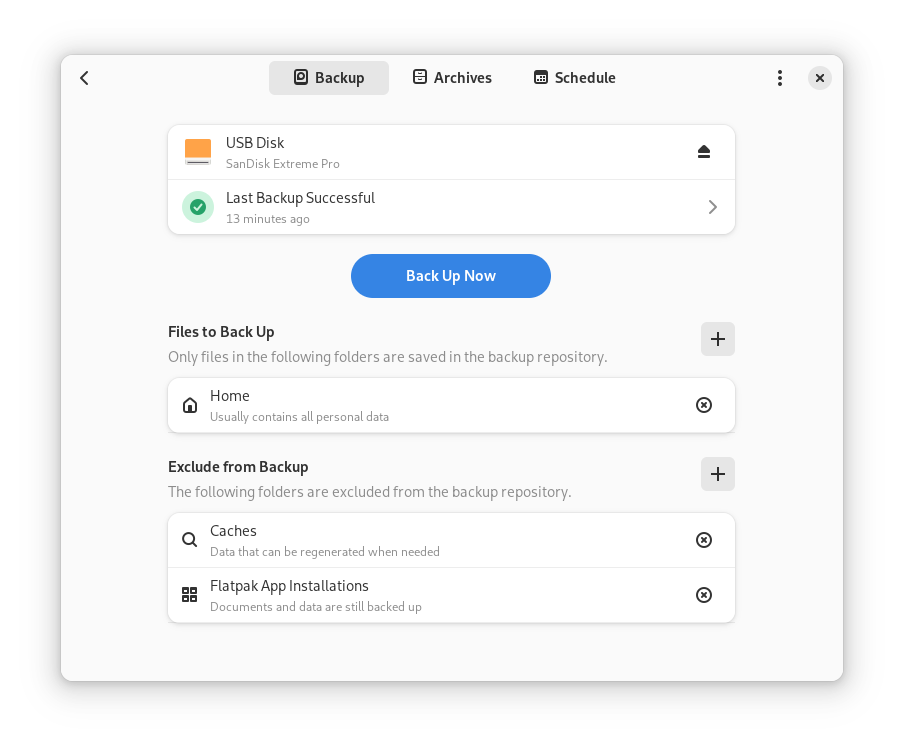
14. Pika Backup – Easy Backup for Your Files
Backing up your data is essential, and Pika Backup makes it simple. Built specifically for Linux systems, it has a sleek interface and integrates well with GNOME. It supports scheduled backups, encrypted storage, and remote locations like external drives or cloud storage.
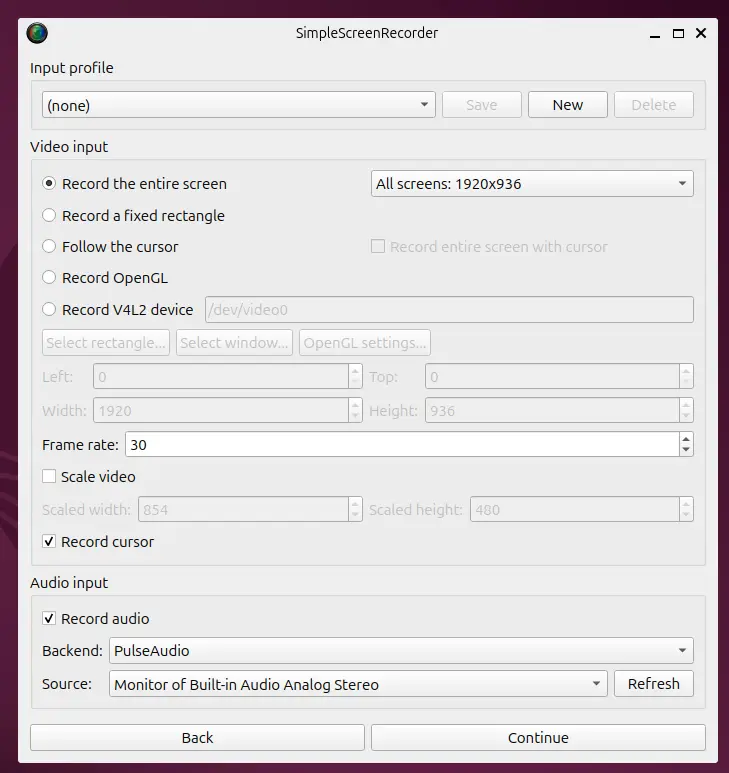
15. Simple Screen Recorder – Capture Your Screen
Whether you’re making tutorials, recording gameplay, or just saving a video call, Simple Screen Recorder does exactly what its name promises: it lets you record your screen with minimal setup and great performance.
16. Ollama – Run AI Models Locally
Ollama is a powerful tool that lets you run large language models like Llama 3, Mistral, and Phi-3 directly on your Ubuntu system without needing cloud services.
It’s perfect for developers, students, and AI enthusiasts who want to experiment with AI models locally while maintaining complete privacy and control over their data.
Installation is simple:
curl -fsSL https://ollama.com/install.sh | sh
After installation, you can start running AI models with simple commands, like ollama run llama3 to chat with the model or integrating it into your development workflow.
17. PyGPT – Desktop AI Assistant
PyGPT is a comprehensive desktop AI assistant that brings the power of GPT models, image generation, and automation tools directly to your Ubuntu desktop.
It supports multiple AI providers, including OpenAI, Anthropic, Google, and local models.
Key features include:
- Chat with various AI models (GPT-4, Claude, Gemini).
- Image generation with DALL-E and other models.
- Python code interpreter and file management.
- Web search integration and browser automation.
- Custom command creation and task scheduling.
- Built-in notepad and drawing tools.
You can install PyGPT via Snap:
sudo snap install pygpt
PyGPT is perfect for users who want an all-in-one AI assistant that doesn’t require switching between different web interfaces.
Conclusion
Ubuntu is a fantastic operating system for beginners, and with the right apps, you can make your experience even better. From productivity tools like LibreOffice to multimedia apps like VLC and GIMP, Ubuntu offers a wide variety of software to meet your needs.
With advanced tools like KeePassXC for security, Shotcut for video editing, and AI-powered applications like Ollama and PyGPT, you can get the most out of your Ubuntu system without the need for expensive software.
Whether you’re a developer, student, content creator, or just someone exploring Linux, these applications will help you work smarter and more efficiently.
Did we miss any essential Ubuntu apps that you use daily? Have you discovered a hidden gem that makes your Ubuntu experience better?
We’d love to hear from you! Share your favorite Ubuntu applications in the comments below and help fellow Ubuntu users discover new tools to enhance their productivity.